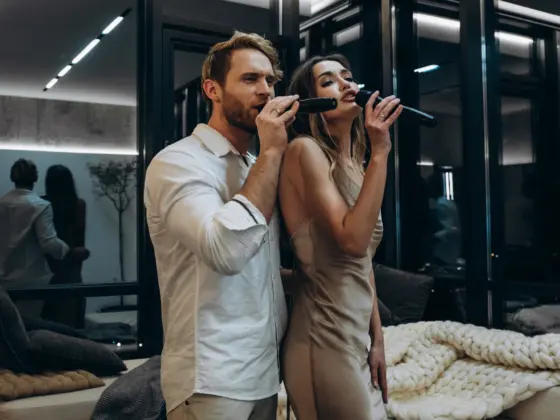

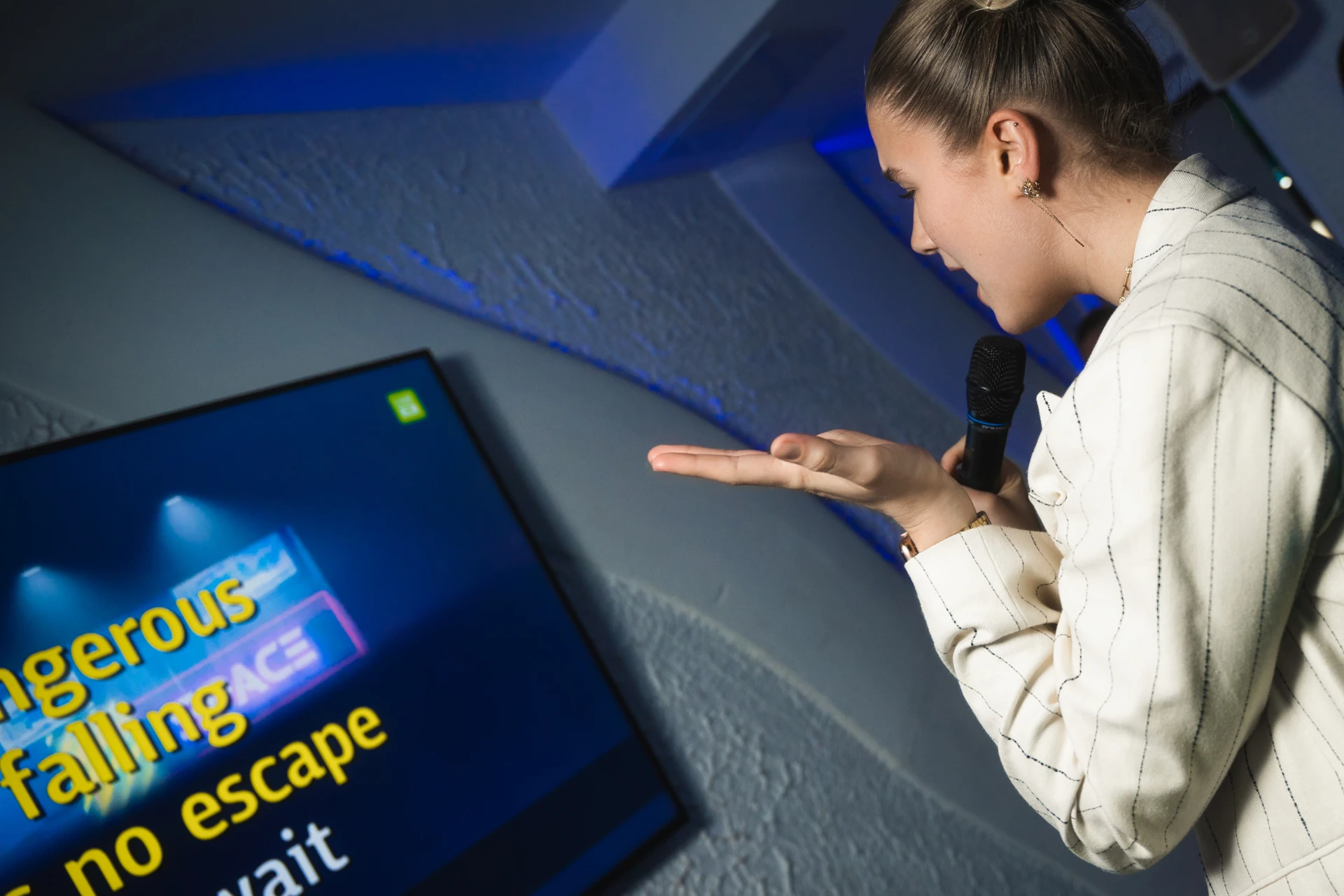
When we hear the word “karaoke,” 99% of the time we picture a TV screen with “running” lines of text. Lyrics display is the visual heart of any karaoke party. Its quality determines whether you’ll sing with pleasure or spend the whole evening squinting to make out pixelated letters.
Karaoke lyrics in systems come in two types: “hard-baked” (static, part of the video file) and smart (dynamic, rendered separately from the other components of the karaoke file). The difference between them is enormous, and it’s critical to understand this when buying equipment.
Static lyrics: a hello from the past, and piracy
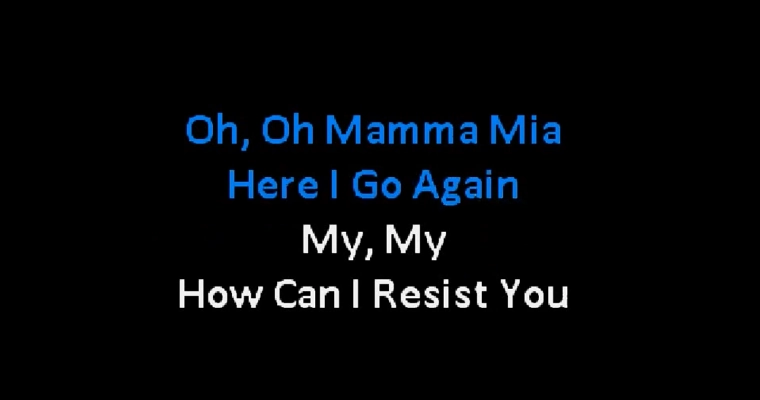
If the lyrics display can’t be customized, what you have is just a regular video clip with text overlaid on top.
Why does this outdated format still survive?
It’s plain theft
Budget karaoke box manufacturers often simply record the screens of premium systems using capture cards. By buying this kind of equipment, you’re funding pirates and depriving songwriters of their legitimate royalties.
The main downside
Users of budget karaoke equipment end up having to sing over low-quality background video. Usually that’s 360 or 480 pixels, and 720 pixels at best.
Read also: The Perfect Home Karaoke: Choosing a System in 2026 Stress-Free
This problem has three main causes:
1. Outdated video creation standards.
First of all, videos like these were created quite a long time ago, back when technical capabilities were significantly more limited compared to today’s high-definition standards.
2. No updates to the video library, due to cost.
Second, third-party manufacturers usually don’t bother updating outdated video material. Modernizing it requires substantial extra spending, so companies prefer to leave everything as-is as long as the equipment still works and performs its basic function.
3. Deliberately limited quality to save device storage.
Third, low resolution — even for the newest karaoke tracks — is chosen by third-party developers entirely on purpose. A quality high-definition video file is simply too large, so a full karaoke library wouldn’t fit in the device’s internal storage if every video were recorded in high quality.
Dynamic lyrics: a sign of good taste and a mark of quality
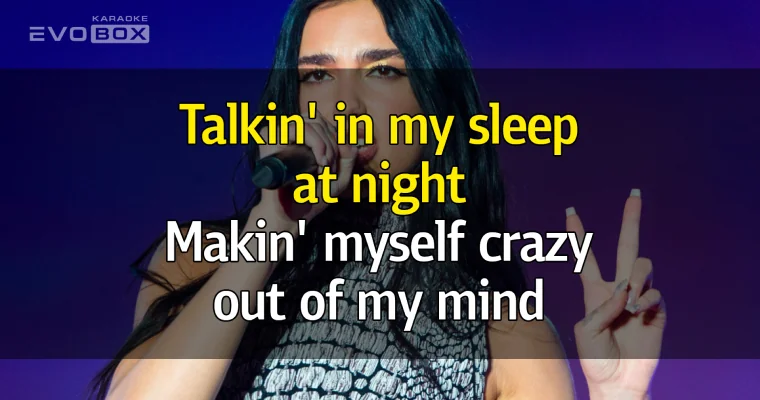
If a system lets you choose different settings for the karaoke lyrics display, you’re looking at a brand with real history behind it. That means the company invests in software development, keeps improving, and uses exclusively licensed karaoke content.
Feature comparison:
| What the lyrics display can do | Static (just video) | Dynamic (rendered “on the fly”) |
| Position choice (bottom or centered) | ❌ | ✅ |
| Line count setting (2 or 4) | ❌ | ✅ |
| Background swap (your own photos, videos, logos) | ❌ | ✅ |
| Semi-transparent backing for optimal readability | ❌ | ✅ |
| Lyrics color change | ❌ | ✅ |
| Different coloring for duets, trios and quartets | ❌ | ✅ |
Top features of a professional karaoke system in 2026
Well-designed software can do far more than just change the font color. Here’s what flagship karaoke systems offer:
- Adapts to any screen size (rendered “on the fly”). The system automatically calculates your TV’s diagonal, fitting the ideal font size and margins. Text is never cut off at the edges, and line breaks are always as correct and logical as possible.
- Color cues for duets. Different performers’ parts are colored differently before the fill-in coloring starts. You can see in advance where your part is, where your partner sings, and where you need to come in together as a duet or chorus (for trios and quartets).
Bottom line

Don’t compromise when it comes to your enjoyment — choose professional karaoke equipment with modern dynamic lyrics.
And if your budget doesn’t yet allow for a professional system, use YouTube (even without a Premium subscription). You’ll get an experience similar to budget karaoke, and more importantly — the views will support real songwriters and rights holders, not pirates.
Singing should only ever be a pleasure!