


EvoClub is:
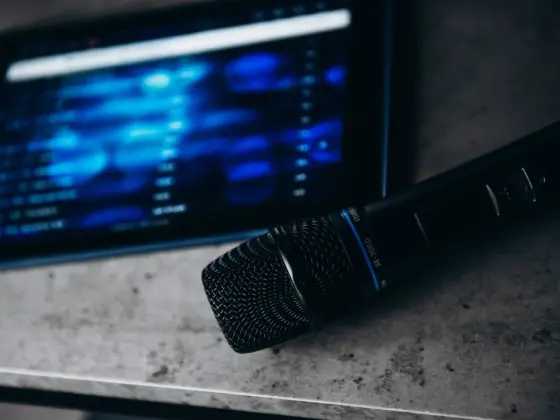
#1 An innovative service for karaoke club staff and guests. Search for and request your favorite songs directly from your personal smartphone or a venue tablet.
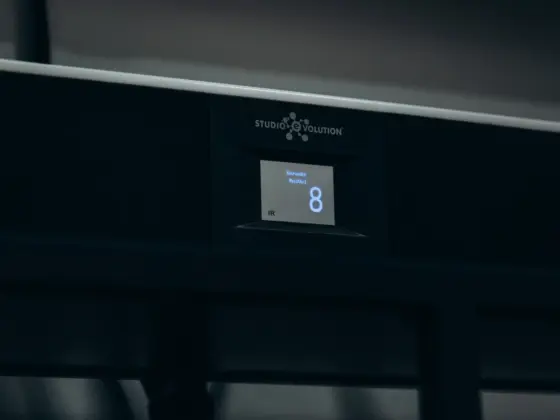
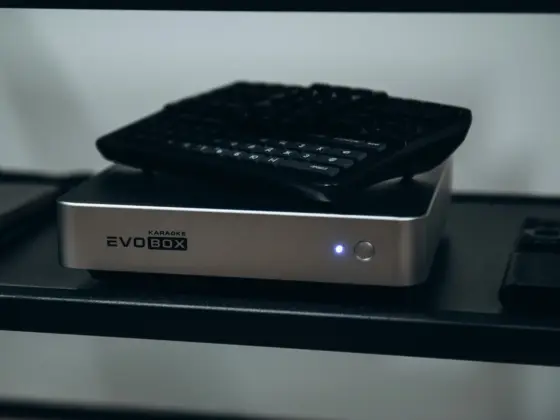
#2 Integrated software within the Evolution Pro2 karaoke system for sound engineers. Processing song requests from karaoke club guests directly at the sound engineer’s console.
EvoClub User vs EvoClub Guest: What’s the Difference?
EvoClub has two apps for guests. EvoClub User is installed on guests’ own smartphones: it lets them search the online song catalog, build a list of favourite songs and send requests to the karaoke host. EvoClub Guest runs on the club’s tablets used by visitors: they can search for and order songs there too, and also exchange messages with other guests and the sound engineer. Both apps work with the Evolution Pro2 karaoke system.
How to Set Up EvoClub user series in a Karaoke Club?
Guests of your karaoke club simply need to download the EvoClub user series app from the App Store or Google Play
To connect and configure the app, guests should follow these steps:
- Connect to the karaoke club’s Wi-Fi network
- Complete registration: enter their name, email address, and password
- Verify their “EvoClub” account by clicking the confirmation link sent to the email address provided during registration
- In the app menu, select the EVOCLUB line, tap “Next,” and connect to the desired karaoke system
- Enter the PIN code set on the karaoke system. The PIN code can be viewed, edited, or configured under the EvoClub tab on the sound engineer’s display
- Enter their table number
That’s it! The guest app is ready to go.
Inform Guests About the Key Features of the EvoClub App
- Search the digital catalog by song title, artist name, lyrics snippet, genre, and language
- One-click song ordering
- Option to adjust the song’s key (pitch) and tempo before submitting an order
- Ability to browse the app’s digital catalog outside the karaoke club and add favorite songs to a personal list
EvoClub: Frequently Asked Questions
Where do guests get the PIN code?
The PIN is set on the karaoke system: you can view, change or configure it in the EvoClub tab on the sound engineer’s screen. Share it with guests — for example, on a table card.
The app can’t find the karaoke system — what should I check?
Make sure the guest’s phone is connected to the karaoke club’s Wi-Fi rather than mobile data, and that the PIN entered matches the one set on the system.
Do guests need to register?
Yes: a name, an email address and a password. After registering, guests confirm their account via the link in the email they receive.
Can the catalog be used outside the club?
Yes. The EvoClub User catalog also works at home: guests can find songs in advance, add them to their favourites and order them straight away at the club.
Modern karaoke is easier and more seamless with EvoClub!
All Studio Evolution apps for karaoke venues — EvoClub User, EvoClub Guest and the system control app — are on the apps page.